Monday, 9:00 — one quote
Anna, Ben and Clara are working on the same quote. Each of their devices holds a complete, encrypted copy of it — no file on a share, no check-out.
Mindoo Office brings three editors that work like the ones you know: TeamEdit for documents and Markdown, TeamGrid for spreadsheets and TeamSlides for presentations. Every device keeps its own encrypted copy, works without a network and merges its changes with the others on the next sync.
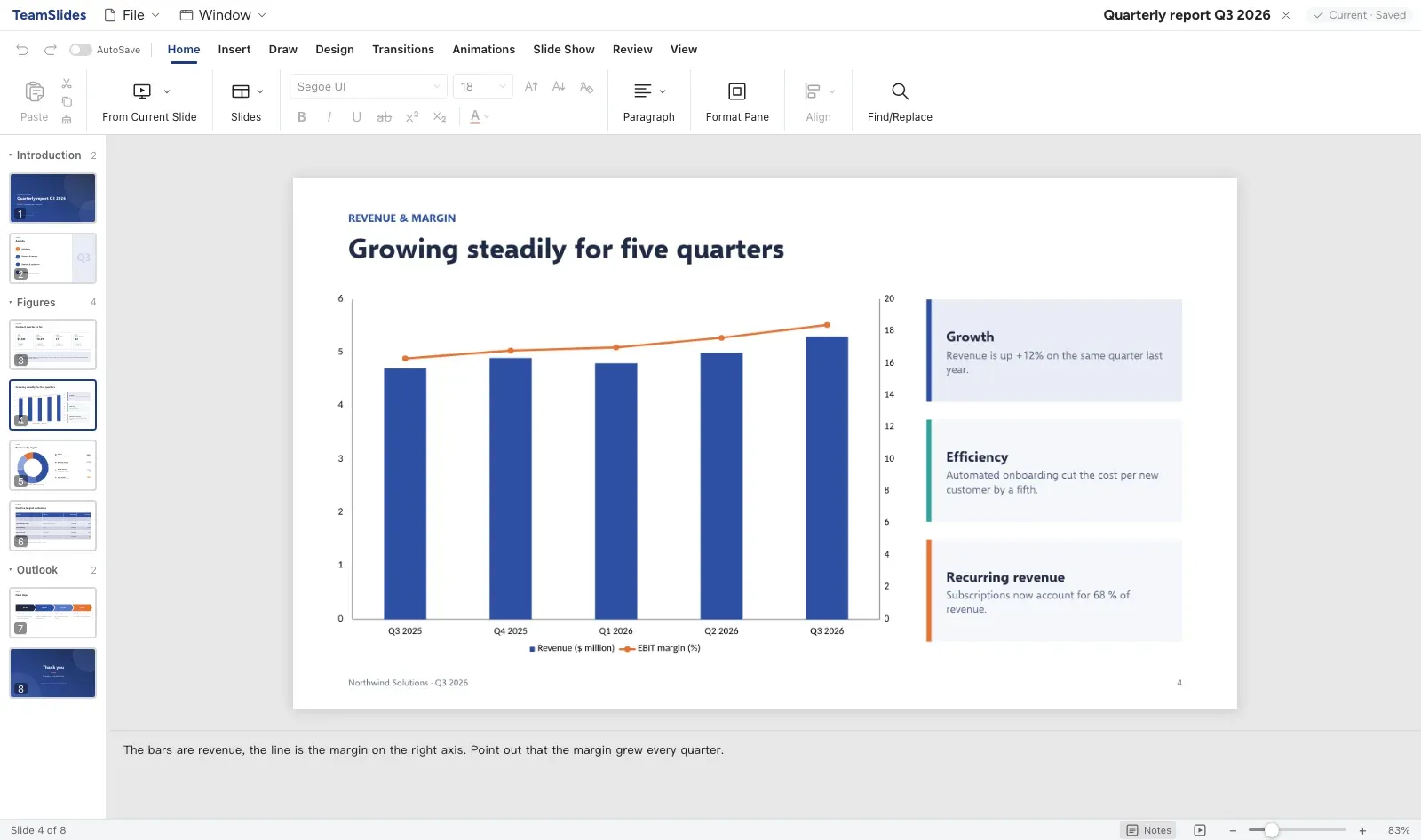 .pptx
.pptx 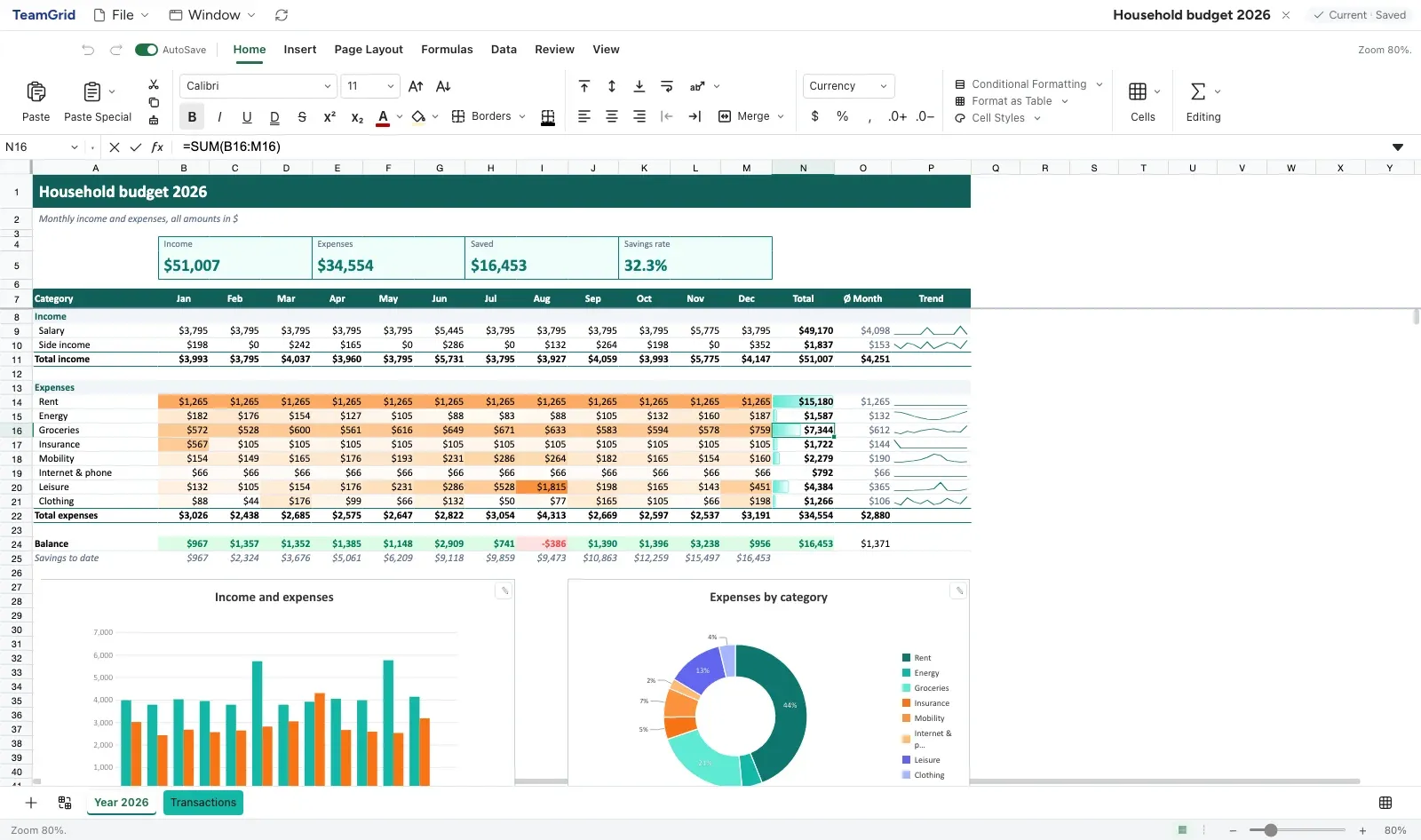 .xlsx
.xlsx 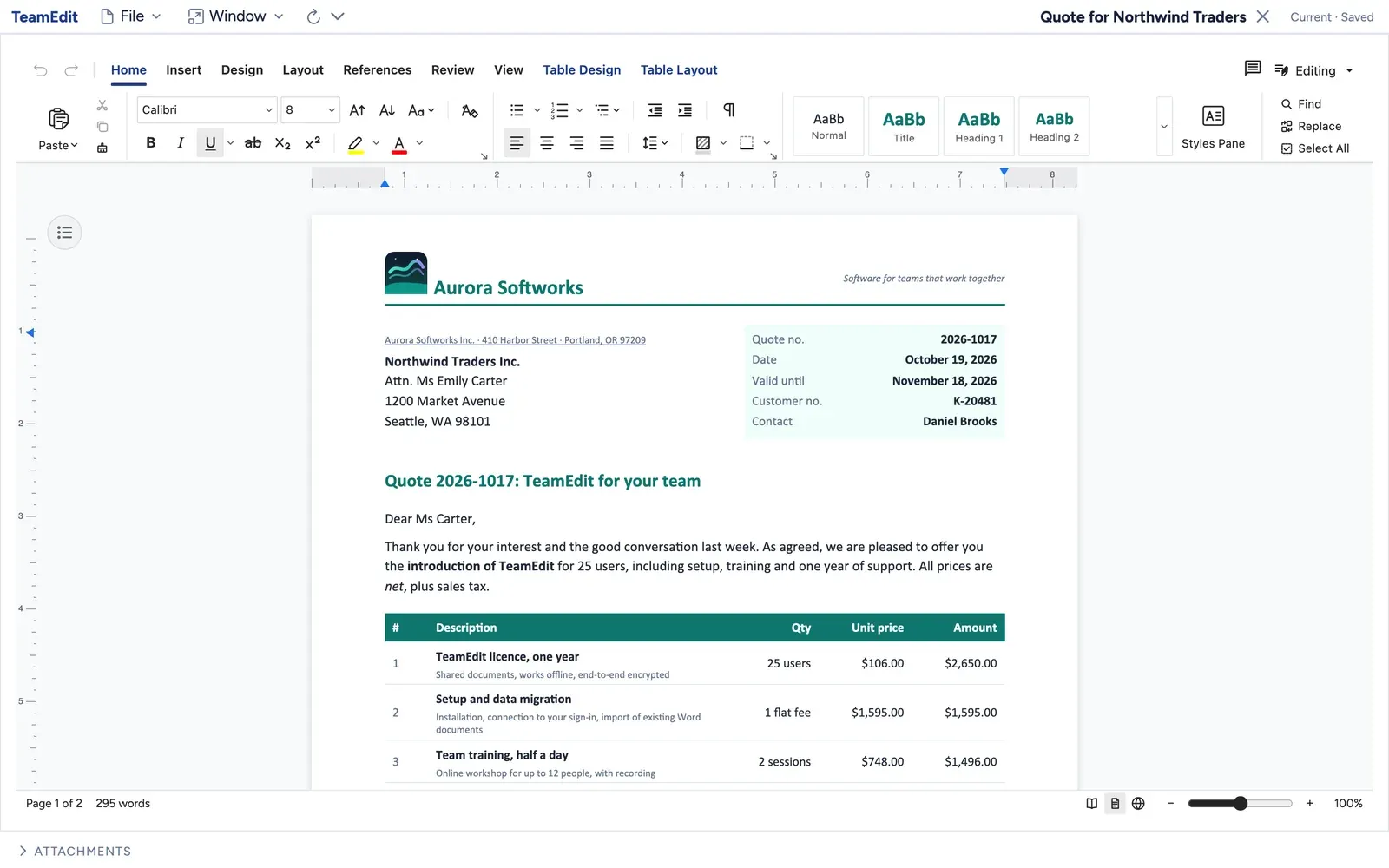 .docx
.docx Scroll along and follow a quote while three colleagues work on it at the same time, each on their own.
Anna, Ben and Clara are working on the same quote. Each of their devices holds a complete, encrypted copy of it — no file on a share, no check-out.
Anna is on the train without a signal, Ben is in the office, Clara is on site with a tablet. Nobody waits for anybody, nobody sees “file in use”.
Anna lowers the price, Ben adds a paragraph about the delivery, Clara comments on the table. Each change lands in her or his own copy first.
Back online, the changes travel through the sync server — encrypted on the device. The server stores and forwards ciphertext. It has no key and cannot read a single word.
Every device merges what the others did. The new price, the new paragraph and the comment end up in one document, without a conflict dialog — and every earlier state stays available.
Two people type in the same paragraph, the same cell or the same slide: the text is merged, nobody overwrites anybody.
There is no lock and no online mode. Whatever you change offline is merged as soon as your device meets the others again.
Every state is kept. Time travel opens a document, workbook or presentation as it was at any earlier point, read-only.
The three apps look and work the way you expect from Office: a ribbon on top, pages, sheets and slides — and your files go in and out in the formats everybody uses.
 Mindoo TeamEdit
 A word processor that looks and works like Word, with ribbon, pages, styles, track changes and comments. Next to it a Markdown editor for notes, plans and technical texts with diagrams and formulas.
 Mindoo TeamGrid
 Around 280 Excel-compatible functions, charts, pivot tables and conditional formats. Workbooks are stored in small blocks of rows, so two people in different parts of a sheet never get in each other's way.
 Mindoo TeamSlides
 Slide layouts and masters, themes, charts, tables, animations and speaker notes. Each slide is its own document, so a team can work on different slides — or on the same one — at the same time.
Our goal is the most complete compatibility with the Office formats we can reach. What is in a file comes in, stays editable and goes back out — so a document can continue in Word, Excel or PowerPoint at any time.

.docx.md
.xlsx.xlsm.csv
.pptx.odpMacros in .xlsm files are kept in the file but never run. When a file contains something an editor cannot take over, the import tells you.
Everything is encrypted on the device before it is stored or sent. Who may decrypt a document is decided when it is created — not by whoever runs the server.
The database key opens documents for the whole team. Named keys narrow it to a group, such as the management board or one project.
Encrypt a single document for exactly the people you pick. Nobody else can open it — not even the operator of the server.
A document marked Confidential stays invisible to AI agents, whatever they are allowed to do elsewhere.
Quote 2027-114 · Price €48,500 · Delivery in two stages from March
Every app brings its own WebMCP tools: agents find, read and edit documents, workbooks and slides, and every step can be undone. Because Vega, Cairn and the other Haven apps speak the same language, one request can travel through all of them.
Read the concept paper, calculate the project, build the board presentation, plan it in Vega and draw the three sites in Cairn.
 TeamEdit reads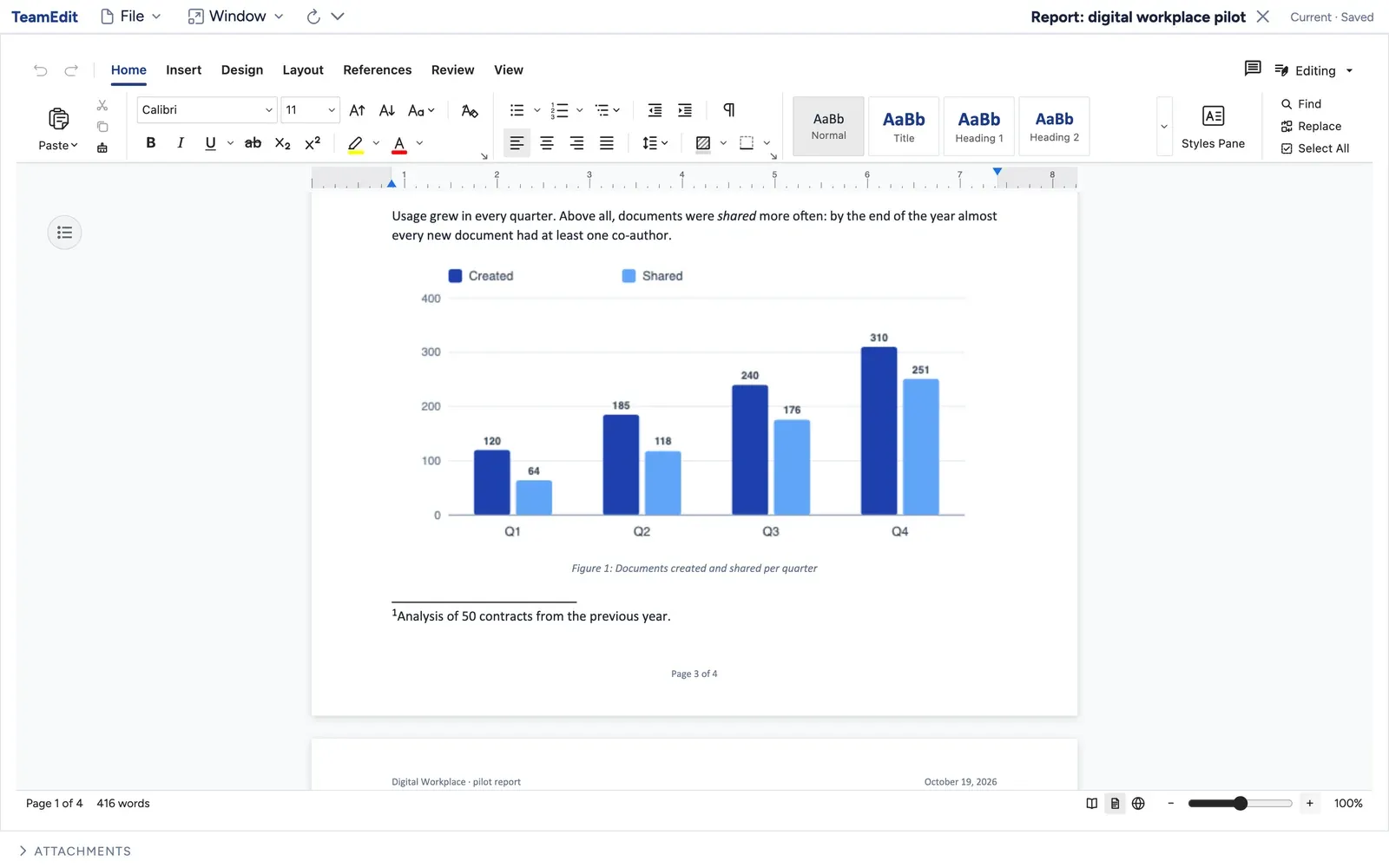
Concept_Relaunch.docx: goals, scope, three sites and the schedule.
 TeamGrid calculates
 Budget.xlsx with costs per phase, formulas, a summary and a chart.
 TeamSlides presents
 Board_Q1.pptx: six slides with the budget chart and a roadmap.
 Vega plans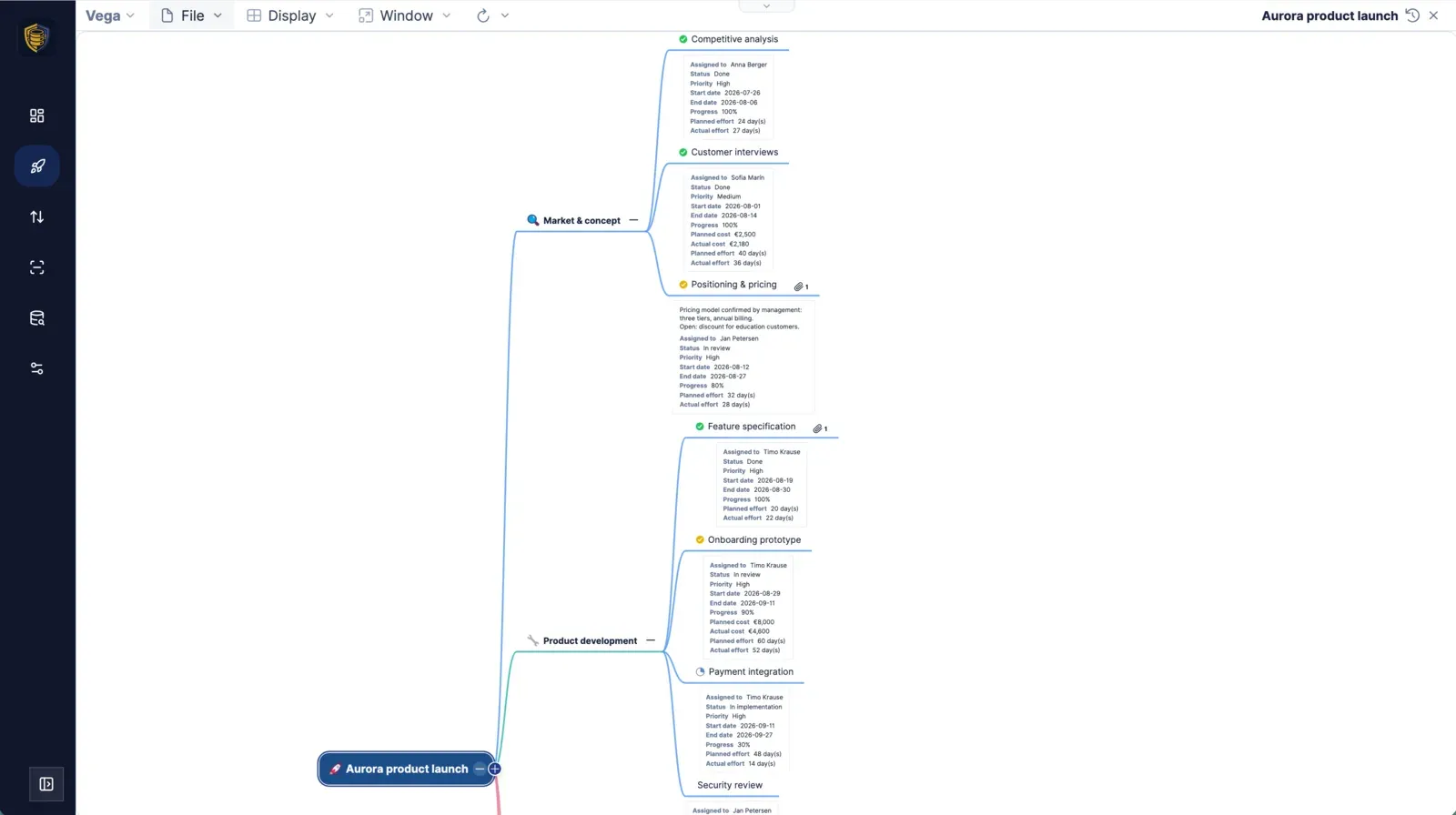
A mind map of the work packages, then a Gantt chart with milestones.
 Cairn maps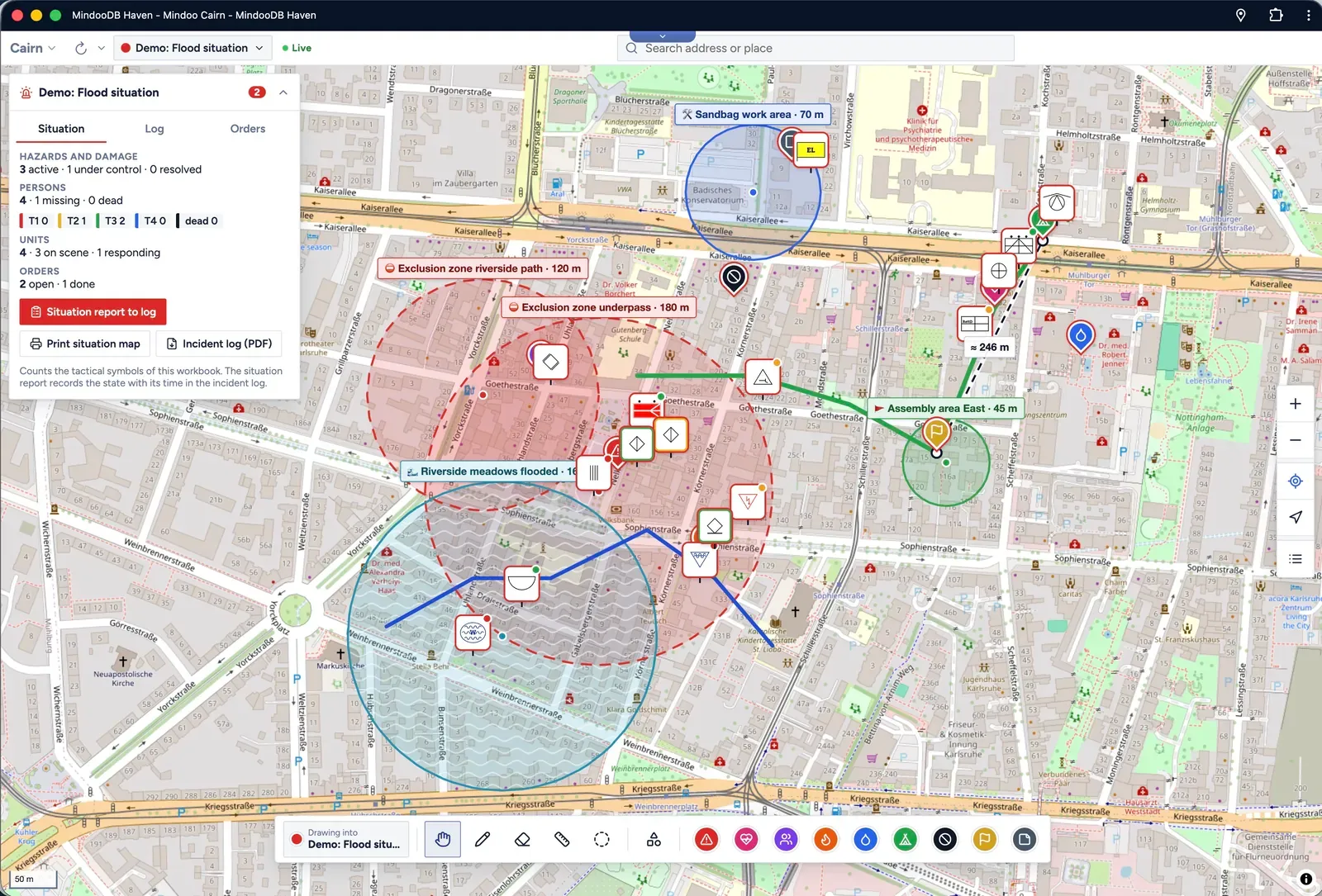
The three sites from the text, drawn as areas on a shared map.
The Haven Agent Bridge connects MCP clients such as Goose or Claude Code with the apps running in Haven on your device. No document is uploaded anywhere for that.
Haven Enterprise brings an AI chat right inside Haven, with the language models your organisation allows.
Agents only get the apps you allow. Changes to existing Word text arrive as tracked changes by “AI Agent”, and every step can be undone.
Mindoo Office runs on MindooDB Haven, the local-first platform for end-to-end encrypted team apps. Install it next to your other apps and share documents with the people you already work with.
Data lives on your devices first. The apps open instantly and never wait for a server.
Keys stay with you. Servers store and forward ciphertext only.
In the browser on computer, tablet and phone, and as a desktop app for macOS and Windows.
German, English, Spanish, French, Italian, Norwegian, Dutch and Polish.
Yes. TeamEdit imports .docx, TeamGrid .xlsx and .xlsm, TeamSlides .pptx and .odp. You can export the current state back to the Office format at any time and continue in Word, Excel or PowerPoint.
Text is merged character by character, so both edits stay. In spreadsheets, formats merge property by property. If two people overwrite the very same value, one value wins on every device in the same way, and the other remains visible in the history.
No. Documents are encrypted on your device. The server — whether MindooDB Cloud or your own — only stores and forwards ciphertext and holds no key to decrypt it.
No. The AI features are optional. With the Haven Agent Bridge you use the agent you already have, such as Goose or Claude Code. The built-in AI chat is part of Haven Enterprise.
The three apps are free on MindooDB Haven. Sync between devices and people through MindooDB Cloud starts at €7.99 per user per month — or you run the MindooDB server yourself.
Computers, tablets and phones in a current browser, and the Haven desktop app for macOS and Windows. Native apps for iOS and Android are coming soon.
One link installs TeamEdit, TeamGrid and TeamSlides in MindooDB Haven. Each app creates demo documents in your language with one click — or import your own files.
The apps are free. Sync through MindooDB Cloud starts at €7.99 per user per month — see pricing.


